Key Takeaways
- Regularly clean and optimize your digital devices to maintain optimal performance.
- Removing unnecessary files and uninstalling unused applications can help free up space and improve speed.
- Updating drivers and software is essential for device security and functionality.
Maximizing Device Performance
In today's fast-paced business world, ensuring that your digital devices are running smoothly is essential for productivity. Whether you're working in a bustling city office or managing remote teams, slow devices and cluttered storage can hinder your efficiency. By following some simple maintenance tips, you can keep your devices operating at their best.
The Importance of Device Security and Optimization
Digital clutter not only slows down your devices but can also make your data vulnerable to cybersecurity threats. It's crucial to regularly clean and optimize your devices to protect your information and maintain optimal performance. By following a few key steps, you can enhance the security and functionality of your devices.
Removing Unnecessary Files
Unnecessary files, such as duplicate documents and cache files, can take up valuable space on your device and slow down performance. By removing these files, you can free up storage and improve speed. Different operating systems offer various methods for cleaning up unnecessary files, so be sure to follow the specific instructions for your device.
Uninstalling Unused Applications
Many of us accumulate a large number of applications on our devices that we no longer use. These unused applications can take up space and resources, impacting device performance. By uninstalling these applications, you can free up storage and improve speed. Regularly reviewing and removing unused applications is a simple yet effective way to optimize your device.
Updating Drivers and Software
Regularly updating drivers and software is essential for device security and functionality. Outdated drivers and software can leave your device vulnerable to security threats and may cause performance issues. By staying up to date with the latest updates, you can ensure that your device is running smoothly and securely.
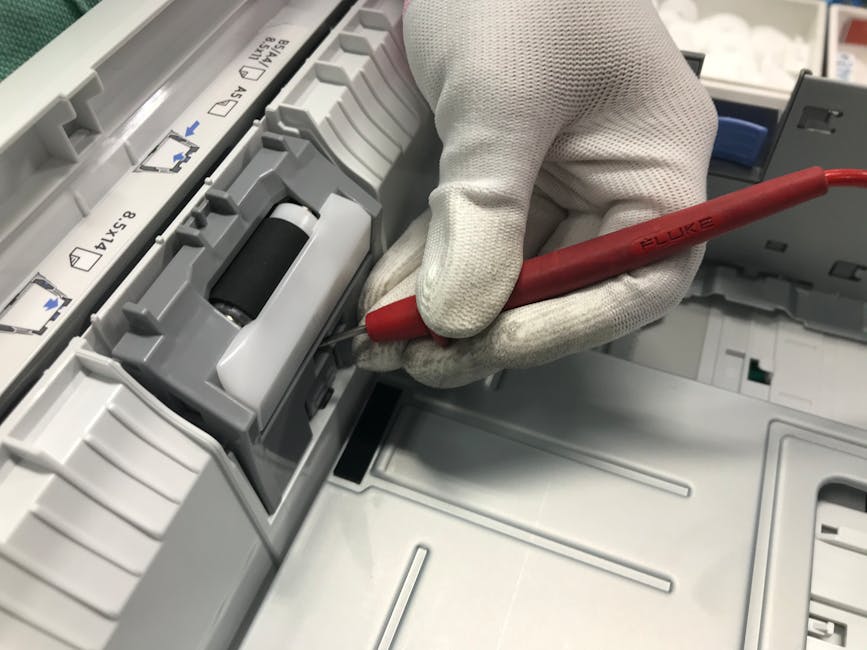
By following these printer maintenance tips, you can ensure that your digital devices are operating at their best. Regular cleaning and optimization can help improve performance, enhance security, and boost productivity in your work environment. Take the time to maintain your devices, and you'll reap the benefits of smooth, efficient operation.